
AI's Got a Computer Now: OpenClaw, Manus, Anthropic & Perplexity Shift Software From Just Answers to Real Actions
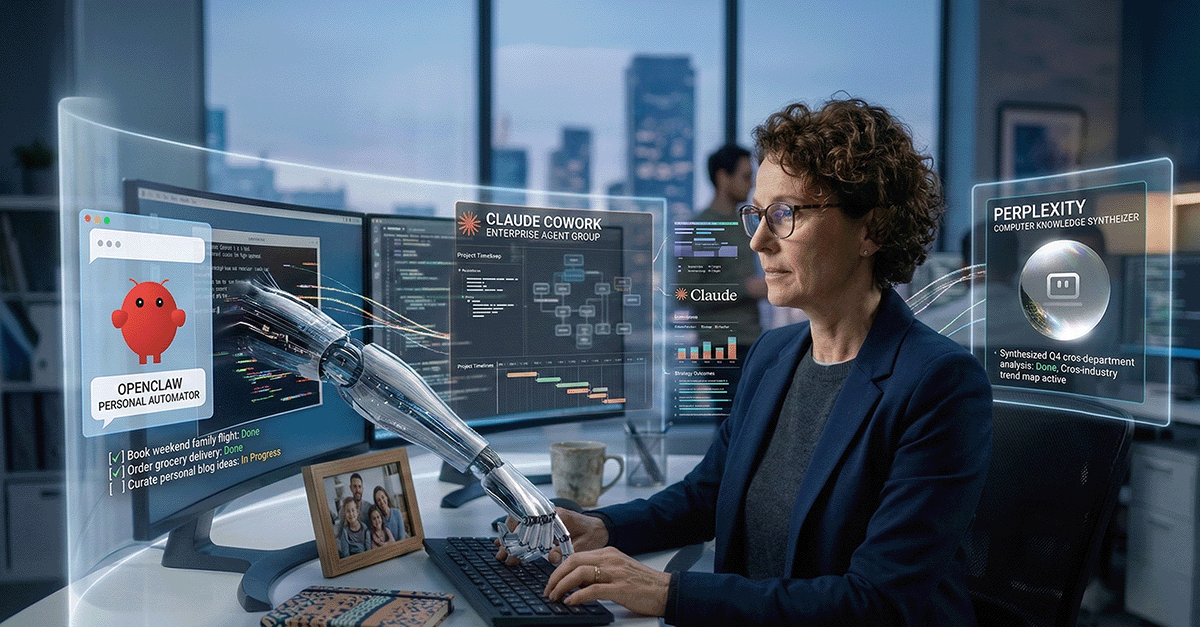
When an AI can click, run, and change things, you are no longer evaluating a model, you are hiring a worker.
For several years now, an engineer’s “AI assisted” work day went something like this: chat with an AI, grab some code, paste it into an IDE, hop over to a terminal, run the thing, fix it, then do it all again. The AI could "think," sure. But the engineer was still the one actually doing the work. That boundary? It's blurring.
We're now watching AI shift from just a chat buddy to a true active teammate; it isn't just spitting out text, it's actually executing steps in a live environment. Simply put? The AI got itself a computer!
You see it everywhere, right? All the chatter about new tools:
- OpenClaw: Built by one smart developer and improved by its community
- Manus: Reportedly snapped up and woven into Meta
- Perplexity: The all new big business offering, "Computer."
- Anthropic: The new scheduling features in Claude Code Desktop, Claude Cowork, and the Claude Chrome Browser extension.
Different approaches, but they're all headed the same way. The "answer engine" days? They're making way for "action engines." That changes everything - the risks, your company's structure, even the budget.
Subscribe (button at top right) to get these blogs in your inbox, and enjoy additional features!
It's Not About Smarter Text; It's About Owning the Whole Process.
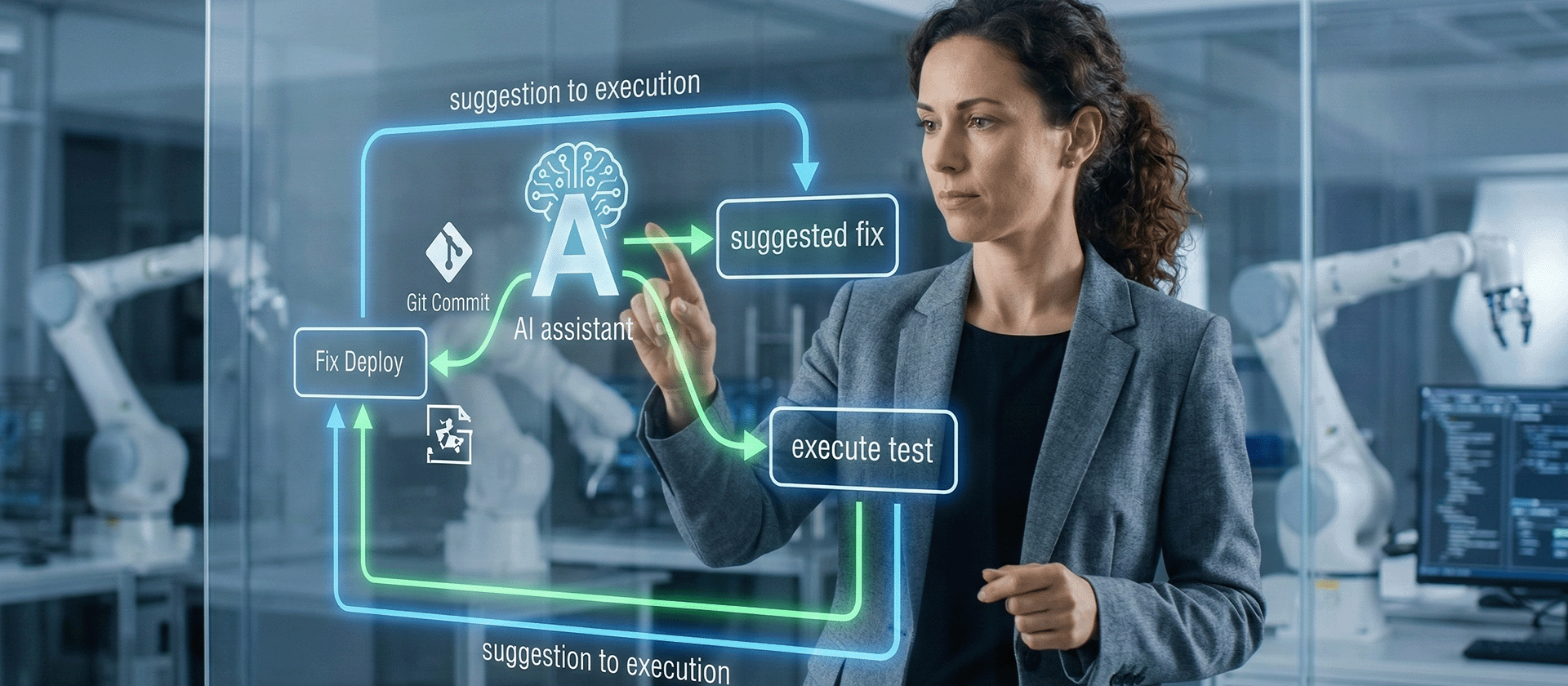
The breakthrough is not better LLMs, it is closing the gap between suggestion and execution.
Ever watched a junior engineer grapple with a task? You know the real challenge isn't just writing a line of code. No, it's organizing the work. First, find that correct file. Then, run the test. What's the error say? Change one little thing. Run it again. Keep detailed notes. Don't you dare forget what you already tried!
These new agent systems? They want to swallow that whole loop. Not perfectly, I admit. Not safely by default, either. But definitely enough to make a difference. That's why these tools feel so profoundly different from the copilots and chatbots we played with last year. A copilot just gives recommendations. An agent actually acts.
But remember, once it can act, well, it can also screw up at machine speeds! So, the crucial question isn't, "Is the model brainy?" The real question is, "What did we just let it get its hands on?"
From a Weekend Hobby to a Dev Sensation (OpenClaw)

Open source did what it always does: it took a fuzzy idea and turned it into something people could actually run.
OpenClaw actually kicked off as this little open-source agent project. It just ran on local machines, hooked into chat apps. Peter Steinberger, the guy who made it, wrote about how fast it grew, and why he decided to join OpenAI to really get agent tech moving on a grander scale (read OpenClaw, OpenAI and the future).
Also, the community just took over! Bam! This thing absolutely exploded on GitHub. It became one of the fastest-growing repositories out there, pulling in hundreds of thousands of stars, getting everyone talking (OpenClaw Surpasses Linux to Become the 14th Most-Starred ).
Look, I don't ever use GitHub stars as a business metric. Nope. Never have. But you cannot deny they're a signal, can you? They show you exactly where engineers are spending their late nights and weekends.
And guess what else? All that noise even seeped into hardware discussions. Lots of places reported a huge uptick in interest for Apple’s M4 Mac Mini and longer wait times for the higher-memory setups. Why? Developers needed tiny, always-on computers perfect for running agents locally. Read this report: Apple's Mac Mini Is Having a Moment, Thanks to the OpenClaw Craze - Business Insider. The report highlights increased interest and delays for specific, upgraded configurations; it’s not like Apple declared some "global shortage."
Steinberger’s move to OpenAI threw another curveball. It cemented the idea that this was a huge deal. It also got people asking the usual questions about who's in charge, who's watching over things, and what happens when a community project becomes seriously big.
Two Ways to Play: The DIY Sandbox Versus the Polished Corporate Solution
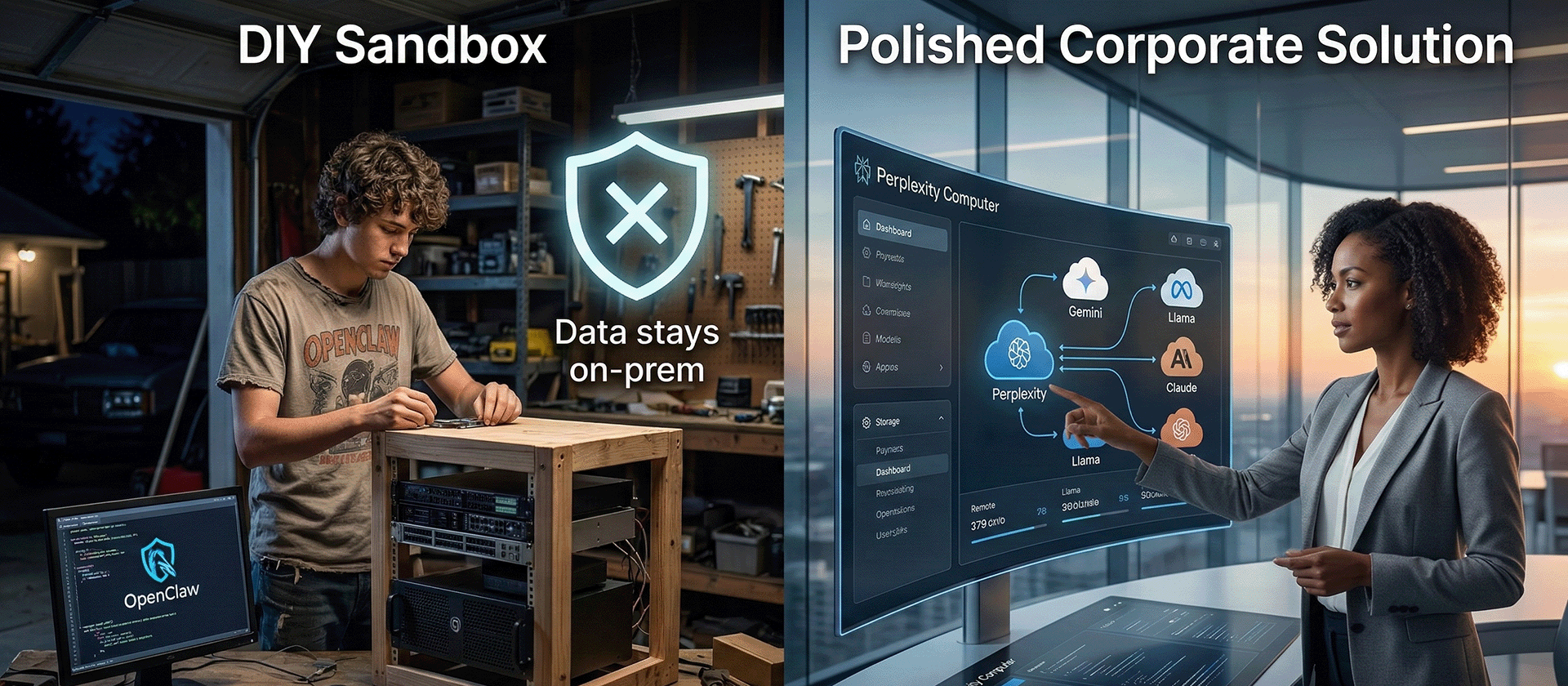
You can either own the agent stack, or rent it, but either way you own the outcomes.
The market? Gosh, it's really carving itself into two distinct halves these days.
The open-source, "do-it-yourself" route.
Picture OpenClaw and those other local agent projects. They're perfect for hobbyists, fledgling companies, and any team obsessed with cost. Also, the ones who want total control and absolutely need to keep their agent and data right there on their own machines.
You certainly get flexibility. But then? You also inherit all the security migraines and tedious operational work. There is never a free ride.
The managed, enterprise solutions.
Perplexity:
They rolled out a product called Computer. It combines many different models to tackle tricky, multi-step tasks. Press coverage at launch painted a picture of it linking up a whole bunch of models - 19, they claimed! - and aiming directly at big corporations.
Folks were saying Perplexity had major private investment and was valued at billions. Their initial "Computer" offering demands a top-tier subscription, something like $200 a month (Introducing Perplexity Computer).
Anthropic:
With the Claude browser extension for Chrome, and the brand new scheduling features in Claude Cowork and Claude Code Desktop, the feature set is starting to mimic an OpenClaw agent.
The Cost Complexity
Now, here's something some leaders probably aren't considering: choosing the right model for the right job. These new “AI with a computer” agents use a massive amount of tokens. That’s a massive expense decision, one that is not easy. Trying to figure out which model handles which specific job to get the best bang for your buck? It feels a lot like managing cloud costs now, only your "instance type" is an LLM. Read this article for some guidance: Meter before you manage: How to cut LLM costs by up to 85% | Pluralsight.
Big Power, Big Responsibility (Plus a Security To-Do List)
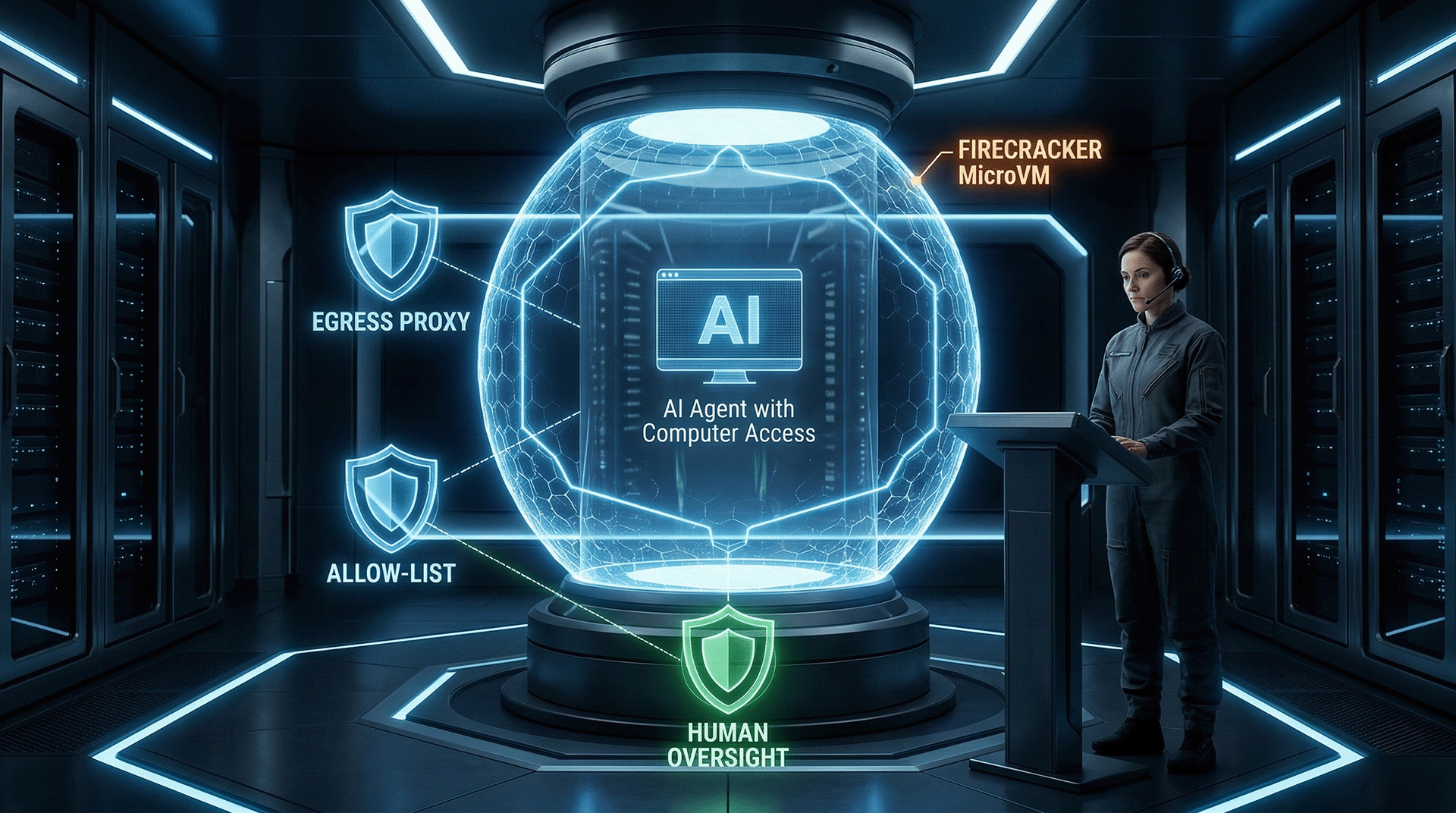
The minute an agent can execute, it becomes a security concern, whether you planned for that or not.
So, allowing an AI program to execute code on your machine or within your infrastructure? That's hugely powerful. And, honestly, it is quite risky. In ways we’ve definitely seen before. The reports are out there, aren't they? Security experts? They've uncovered actual incidents, real vulnerabilities in agent systems. Everyone, from the seasoned pros to the product vendors, keeps shouting about the critical need for “defense in depth” (The OpenClaw security crisis - Conscia).
I'm not interested in security theater. What I am deeply concerned about is shrinking the blast radius if something goes wrong. So, pulling together wisdom from both the community and commercial providers, here’s a checklist. It’s absolutely worth your close attention, especially before you ever permit an agent anywhere near anything that’s actually running live:
- Isolation and Sandboxing: Run agents you don’t fully trust, or only partially trust, inside micro‑VMs or VM-backed containers. Think Firecracker microVMs or Kata Containers, not just plain old Docker. They keep kernels separate and provide much better isolation.
- Network controls: Force all outbound traffic through an egress proxy. Use allow-lists. Audit everything. That way, you're controlling exactly where agents can and cannot go.
- Least privilege: Agents should operate as non‑root users. Their filesystem access, especially write access, should be tightly controlled.
- Human oversight: Any privileged action? Changes to production data? Billing alterations? Deleting data? Human approval is non-negotiable.
The Knock-On Effect: New Roles, Different Hardware, and Fresh Rules
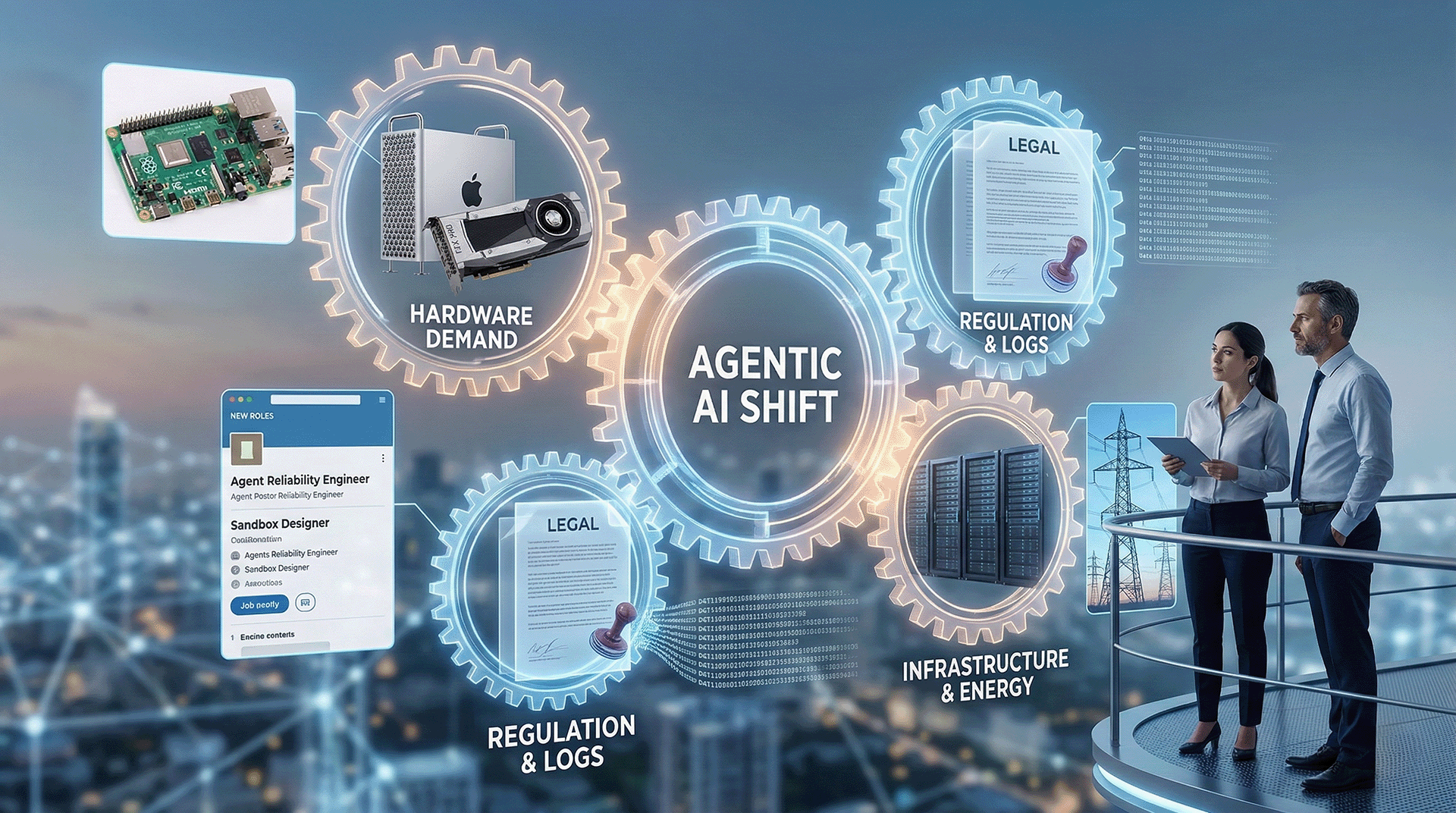
Agents will change more than developer workflows, they will reshape capacity plans, controls, and who is “on call” for automation.
Agentic AI? It's not confined to some research lab anymore. It’s creeping into every messy corner of every organization.
Hardware and edge demand: Folks are chattering about low‑power, always-on little devices, like Raspberry Pis and NVIDIA Jetson boards. Yet simultaneously, everyone seems to crave higher‑memory Macs and beefier server GPUs. Why the split? Developers and companies are experimenting with agents right there on local machines, and at the edge. See this article: AI agents drive buzz for Raspberry Pi mini-computers | Semafor
Some of this, for sure, is just hype. But even with that, procurement departments are feeling it. IT departments are feeling it.
Energy and infrastructure implications: Agents aren’t just a simple “one-and-done prompt.” Not at all. They might take hundreds of individual steps. So that means heaps more tokens, more CPU cycles, more runs, retries, and a whole lot of background noise. You'll certainly notice it in your GPU budget. In your Agentic workflow run times. And definitely on that monthly invoice. Is your FinOps setup a bit wobbly? Agents will highlight just how wobbly, super fast.
New jobs are appearing: Brand new job titles are popping up everywhere, even now: agent reliability engineer, model routing specialist, prompt and tool policy manager, audit logging expert, sandbox designer, evaluation harness developer. Wild, right? The names? Oh, they’ll probably change. The actual work? That’s here to stay.
Policy eventually catches up - slowly. Regulators don't really care about your fancy architectural diagrams. They won't debate you. They'll simply ask: Who approved this action? Where are the complete logs? What mechanisms prevented something terrible from occurring? If you can't provide clear answers to those questions, guess what happens? You’ll be told "no." Legal and risk management teams won't have any other safe alternative.
I found this article helpful to understand this aspect better: Latest AI Regulations Update: What Enterprises Need to Know in 2026 - Credo AI Company Blog
My path forward
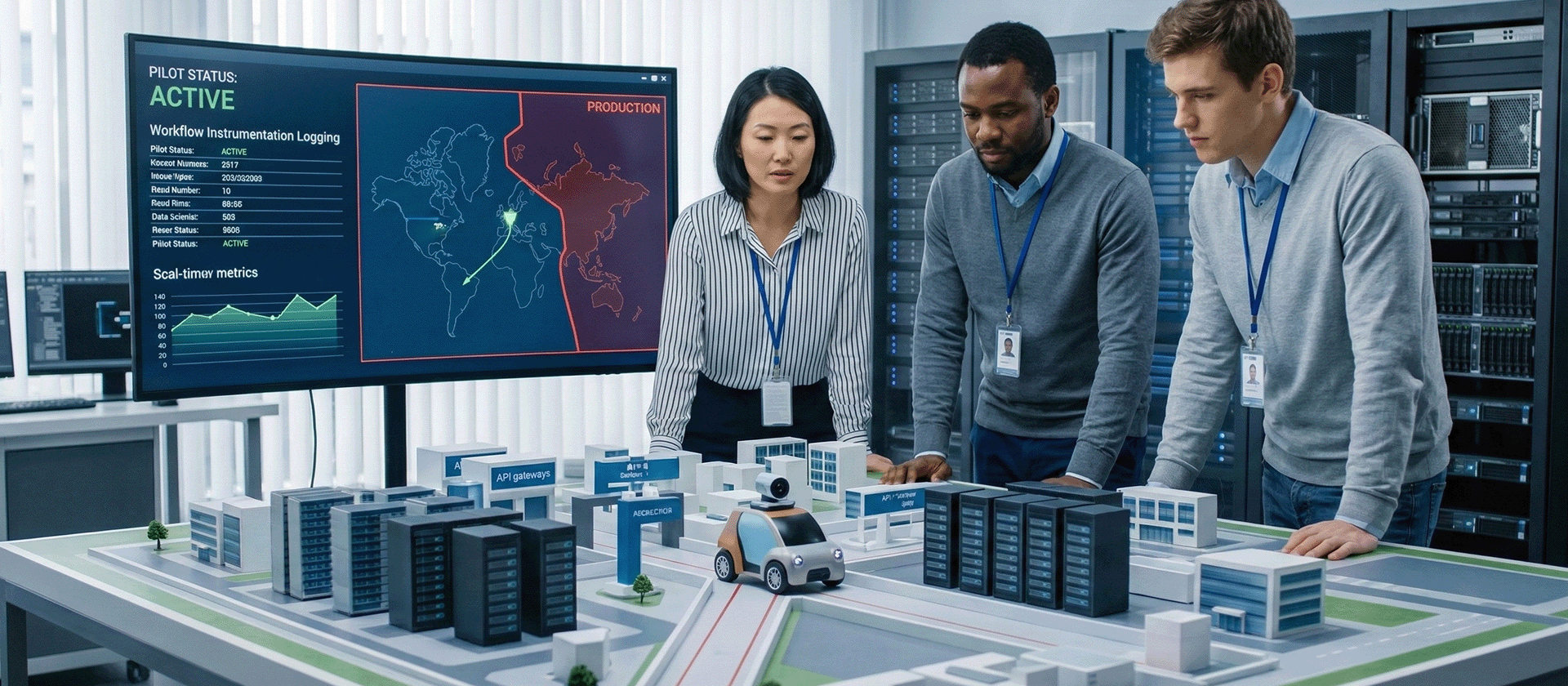
The winning move is a narrow, well-instrumented pilot, not a big-bang rollout.
When dishing out advice about agents, no one should ever kick things off with, "Just let the agent run wild in production." No way. Because that's precisely how you end up in a postmortem meeting, flailing your arms, desperately trying to explain what went wrong.
I’d begin things much, much more carefully:
- Choose just one workflow. Make it useful, but keep it tightly contained. Run in a sandbox. Test failure triage. Setting up non-production environments.
- Treat every tool like it’s a production API. Seriously. Version them. Assign granular permissions. Log absolutely everything.
- Build a sturdy fence around data access. If the agent doesn't need it? It doesn't get to touch it. Period.
- Measure actual outcomes like a true engineer would. Not like you’re just putting on a dog-and-pony show. How many steps actually finish successfully? Where does it consistently get jammed up? How often does a human have to jump in and rescue it? What's the real cost per completed action?
Then, and only then, you can scale. Slowly but surely….
One Last Thought
Once software can act for you, trust becomes the product.
We're barreling into a time where “the interface” isn't merely a screen crammed with buttons. It's an agent now, and it has actual access. Exciting, isn't it? But it's also, well, kind of dangerous. Think about it: giving every single developer full access. Super exciting! Also, incredibly risky. Capability? That’s rarely the hard part. Restraint? Ah, that is the true challenge. So, whether you’re messing around with OpenClaw, keeping tabs on Manus, or checking out Perplexity Computer or Claude Cowork, please, keep one pivotal question right at the forefront of your mind: What exactly did we just automate, and what did we just grant permission to do?




Comments ()